Every “best free AI tools” list I’ve read this year is lying to you. They include tools with “free trials,” tools that are “free up to 10 queries,” tools where the free tier is so limited it’s basically a demo. I wanted to know: what AI tools can you actually use for free, indefinitely, without giving up a credit card number?
So I spent a week testing. Here are the 10 tools I’m still using — and the ones that didn’t make the cut.
The Short List
- Best all-around free AI: Claude (yes, really — the free tier is genuinely good)
- Best for search and research: Perplexity AI
- Best for coding: GitHub Copilot Free
- Best for image editing: Canva Free
- Best for writing: Claude again — but ChatGPT Free is close
- Biggest disappointment: Most “free” AI Chrome extensions that harvest your data
The Rules I Used
1. No credit card required. Period.
2. Must be usable for real work — not “free up to 3 queries per month”
3. Must still be free as of July 2026 (I checked every single one this week)
4. If a tool requires a Google/Microsoft/Apple account that you already have, that counts as “no additional signup”
1. Claude (Anthropic) — The Best Free AI Chatbot, Full Stop
I know I’m starting with the obvious one, but Claude’s free tier in 2026 genuinely deserves the top spot. Here’s why: while ChatGPT’s free tier keeps getting more restricted (shorter context, slower responses, more nudges to upgrade), Claude’s free tier has actually gotten BETTER over time.
What you get for free:
- Full access to Claude 3.5 Sonnet (not last-gen, the current model)
- Roughly 20-30 messages per hour during peak times
- 200K context window — you can upload entire books
- File upload support (PDFs, images, code files)
- Projects feature (organize conversations by topic)
The catch: during US business hours, you might get bumped to “concise mode” (shorter responses) after heavy usage. At 2 AM PST, it’s unlimited. I’ve had conversations that lasted 4 hours without hitting a limit.
Real use case: I used Claude Free to draft this article. I uploaded my notes (messy bullet points), asked it to organize them, then heavily edited the output. The AI did the boring part (structuring, formatting). I did the human part (opinions, anecdotes, voice). This is the right way to use AI writing tools.
Who it’s best for: Anyone who needs a capable AI assistant for writing, research, coding questions, or just thinking through problems. If you only use one free AI tool, use this one.2. Perplexity AI — Actually Better Than Google for Research
Perplexity is a search engine wrapped in an AI chatbot, and the free version is good enough that I canceled my Kagi subscription (yes, really). Instead of giving you links, it reads the top results and synthesizes an answer with citations.
What you get for free:
- 5 Pro searches per day (these use more powerful models and deeper research)
- Unlimited “Quick” searches (still quite good)
- Real-time web access (not a static knowledge cutoff)
- Source citations for every claim (clickable links)
- File upload for context-specific questions
The free Pro searches reset daily — I use mine for complex research questions like “compare the privacy policies of these 5 AI writing tools” and save Quick search for simpler stuff like “what’s the weather in Tokyo tomorrow.”
Compared to Google: Perplexity gives you answers, not links. For factual questions, it’s faster. For “find me the best Thai restaurant near Union Square,” Google is still better because Perplexity doesn’t have enough local data. Use both.
Who it’s best for: Students, researchers, journalists, and anyone who regularly needs to answer questions that require multiple sources.3. GitHub Copilot Free — AI Coding Without the Subscription
Microsoft quietly launched a genuinely good free tier for Copilot in early 2026. The limits are generous enough that hobbyist developers won’t hit them, and even professional devs can use it as a supplement.
What you get for free:
- 2,000 code completions per month
- 50 chat messages per month
- Works in VS Code, Visual Studio, and JetBrains IDEs
- Access to GPT-4o model
2,000 completions is more than it sounds. A completion is one suggestion — a line of code, a function body, a docstring. If you code 4 hours a day, 5 days a week, you’d need to accept a completion every 30 seconds to hit the limit. I coded for about 15 hours last week and used 400 completions.
The 50 chat messages are the real limit — this is where you ask “explain this code” or “refactor this function.” I hit this limit once when I was debugging a particularly nasty React state management issue. For normal usage, 50 is plenty.
Who it’s best for: Students learning to code, hobbyist developers, and anyone who wants AI code completion without paying $10/month.4. Canva Free — Still the Best Free Design Tool (Now With More AI)
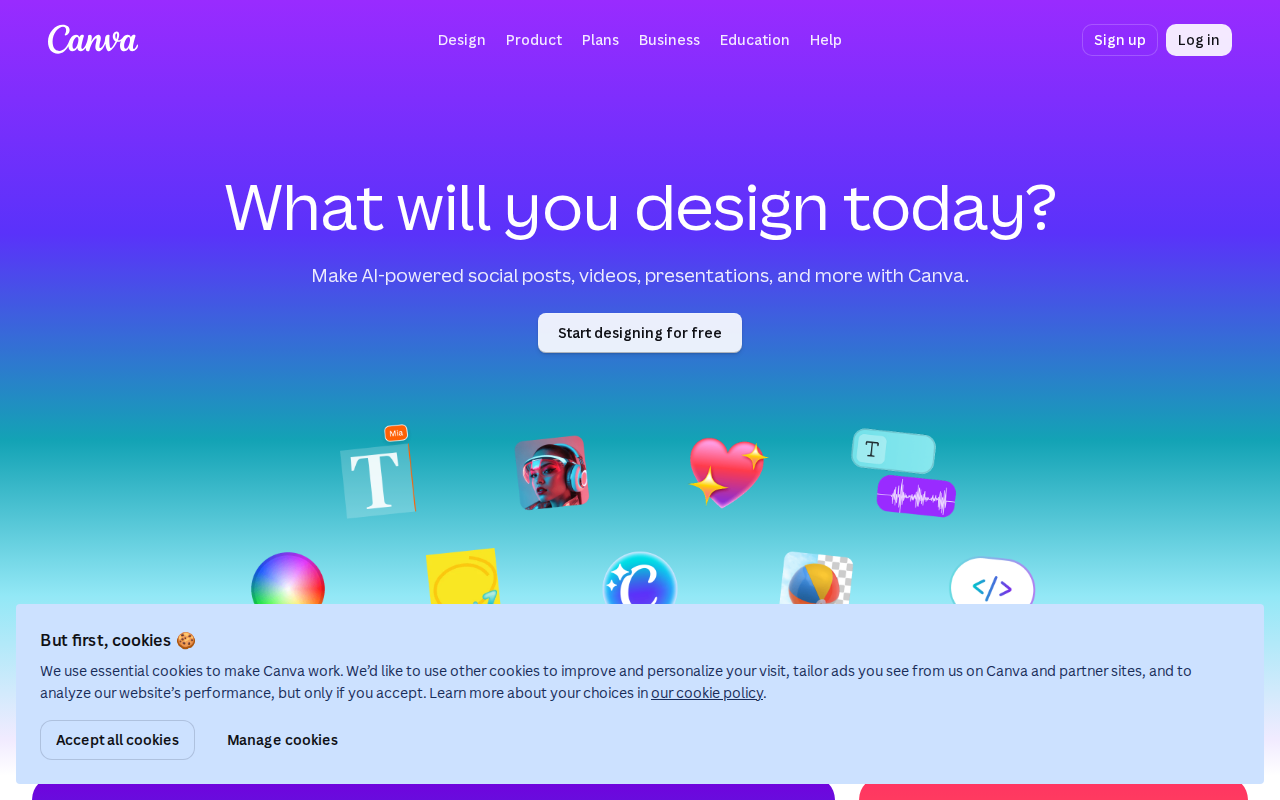
Canva’s free tier has been good for years, but the 2026 version includes AI features that used to be Pro-only. They’re clearly using the free tier to hook you on AI, but hey — I’m not complaining.
What you get for free:
- Full access to the Canva editor
- 50 AI image generations per month (Magic Media)
- AI background remover (limited to 10 per month)
- AI writing assistant (Magic Write — 50 uses per month)
- Thousands of free templates, photos, and graphics
- Brand kit (one brand)
The 50 AI image generations is the headline feature. The quality is good enough for social media graphics and blog post headers — exactly what I use it for. For serious design work, you’ll still want Midjourney or professional tools, but for “I need a hero image for my newsletter,” Canva’s AI is perfect.
The background remover used to be Pro-only. Now it’s free (10/month), which is enough for occasional use. Pro tip: batch your background removal needs into one session per month.
Who it’s best for: Small business owners, content creators, social media managers, and anyone who needs to create graphics without a design background.5. ChatGPT (OpenAI) — Still Worth Having (With Caveats)
ChatGPT’s free tier in 2026 is… complicated. OpenAI keeps changing what’s included, and the free tier feels increasingly like an advertisement for ChatGPT Plus. But it’s still useful.
What you get for free:
- Access to GPT-4o (with limits)
- Image generation (DALL-E 3 — very limited on free)
- File upload
- Web browsing (limited)
- Voice mode
The reality: you get maybe 10-15 GPT-4o messages before you’re downgraded to GPT-4o-mini (which is noticeably worse for complex tasks). During peak hours, response times slow to a crawl. And OpenAI’s content filter on the free tier is more aggressive than Claude’s — I’ve had harmless coding questions blocked.
Why include it? Because ChatGPT has features Claude doesn’t: image generation (even limited), better code execution, and a massive plugin ecosystem. If you need DALL-E for quick images or want to use specific GPTs, ChatGPT Free is your option.
Who it’s best for: People who need image generation alongside text AI, or who prefer OpenAI’s ecosystem.6. Google Gemini — The Sleeper Hit
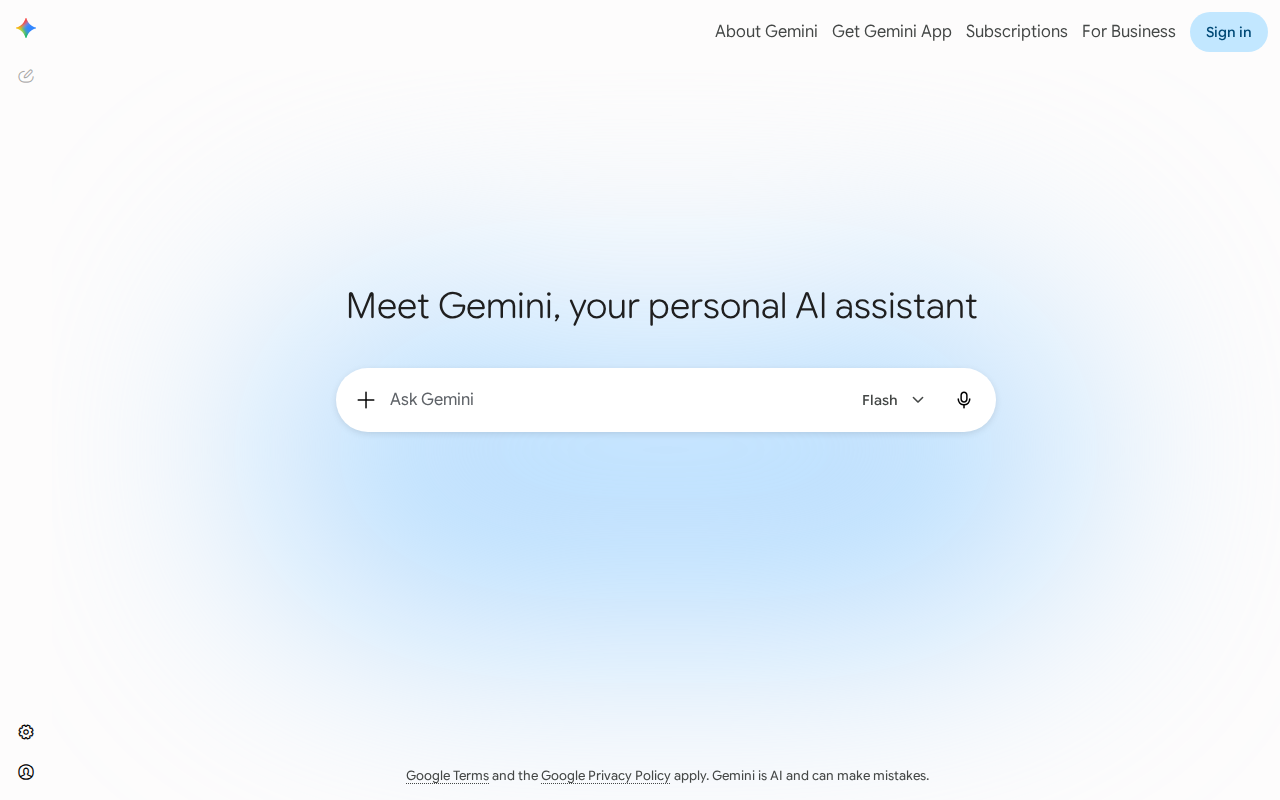
I didn’t expect to put Gemini on this list. Google’s AI efforts have been… uneven. But Gemini Free in 2026 is surprisingly solid, especially if you already live in Google’s ecosystem.
What you get for free:
- Gemini 2.0 Flash (fast, capable model)
- Integration with Gmail, Docs, Drive (if you use Google Workspace)
- YouTube summarization (paste a link, get key points)
- Google Search grounding (citations from real search results)
- Image generation (Imagen — decent quality)
The Gmail integration is the killer feature. “Summarize my unread emails from this week” actually works. “Draft a reply to the email from Sarah about the Q3 budget” is genuinely time-saving. If your work life runs through Gmail, Gemini Free will save you hours per month.
The image generation is fine — not DALL-E level, not Midjourney level, but serviceable for quick visual ideas.
Who it’s best for: Google Workspace users, anyone who wants AI integrated with their email and documents, and people who prefer Google’s interface.7. DeepL Write — The Best Free AI Writing Refiner
DeepL Write isn’t a general-purpose AI. It does one thing: improve your writing. And it does it better than any general chatbot.
What you get for free:
- Unlimited text refinement
- Tone adjustment (formal, casual, business, academic)
- Word choice suggestions
- Grammar and clarity improvements
- Works in English, German, French, Spanish, and more
Paste a paragraph, choose your tone, and DeepL Write suggests improvements. It’s less creative than ChatGPT or Claude — it won’t rewrite your paragraph from scratch. Instead, it flags awkward phrases, suggests clearer alternatives, and fixes grammar. For non-native English speakers, this is genuinely more useful than a general AI chatbot.
The free tier has no usage limit — you can refine as much text as you want. The paid tier ($8.99/month) adds a glossary feature and team collaboration, but individuals don’t need it.
Who it’s best for: Non-native English speakers, business professionals writing important emails, and anyone who wants to sound more polished without AI taking over their voice.8. Playground AI (Free Tier) — The Hidden Gem for Image Generation
Most people think good AI image generation requires a subscription. Playground AI’s free tier proves otherwise.
What you get for free:
- 50 image generations per day
- Multiple styles (photorealistic, illustration, 3D render, anime)
- Image-to-image (upload a photo, transform the style)
- Inpainting (edit specific parts of an image)
- Community templates for one-click styles
50 per day is generous. I generate maybe 20 images in a heavy week of blog post creation. The quality isn’t Midjourney level — it’s closer to DALL-E 3 — but for social media, blog illustrations, and concept art, it’s completely usable.
The community templates are underrated. Instead of learning prompt engineering, you can browse what others have created and use their exact settings. One click, change the subject, and you have a unique image in 30 seconds.
Who it’s best for: Bloggers, social media managers, and anyone who needs AI-generated images regularly but can’t justify a $10-30/month subscription.9. Microsoft Copilot (Bing Chat) — The Underrated All-in-One
Microsoft Copilot (formerly Bing Chat) is the Swiss Army knife of free AI tools. It’s not the best at anything, but it does everything reasonably well.
What you get for free:
- GPT-4-level responses
- Web search with citations
- Image generation (DALL-E 3 — 15 boosts per day)
- Document analysis (upload PDFs, Word docs)
- Voice input on mobile
- Works in Edge, Chrome, and as a mobile app
The 15 daily “boosts” give you faster, higher-quality responses. After that, responses are slightly slower but still GPT-4-level. For casual use, you won’t notice the difference.
The image generation is the standout: 15 DALL-E 3 images per day, completely free. That’s $20/month worth of image generation if you were paying for ChatGPT Plus just for DALL-E.
Who it’s best for: Windows users, anyone who wants a free all-in-one AI tool, and people who need image generation alongside text AI.10. Ollama + Open WebUI — Run AI Locally, 100% Free Forever
This one requires some technical setup, but it’s the only truly unlimited, truly private option on this list.
What you get for free:
- Run open-source models locally (Llama, Qwen, Mistral, Gemma)
- No usage limits whatsoever
- Complete privacy — your data never leaves your computer
- No internet required after initial download
- Works offline
The catch: you need a decent computer. A laptop with 16GB RAM can run 7-8B parameter models (Gemma 3 4B, Qwen 2.5 7B). A gaming PC with a GPU can run 27B+ models. My RTX 4070 Ti Super runs Qwen 3.6 27B smoothly, and it’s genuinely comparable to GPT-4 for coding and writing tasks.
Setup takes about 30 minutes:
1. Install Ollama (ollama.com)
2. Download a model: `ollama pull qwen2.5:7b`
3. Optionally install Open WebUI for a ChatGPT-like interface
After that, you have a ChatGPT equivalent running on your machine. No login. No subscription. No “you’ve reached your limit.” Just AI, whenever you want it.
Who it’s best for: Developers, privacy-conscious users, people with unreliable internet, and anyone who wants AI without recurring costs.The Tools That Didn’t Make the Cut
Jasper AI: “Free trial” that requires a credit card and auto-converts to paid. Not free. Copy.ai: Free tier is limited to 2,000 words per month. A single blog post is 2,000 words. Useless. Grammarly Free: The AI writing features are all premium now. The free tier is just basic spell-check. Any “free” AI Chrome extension: Read their privacy policies. Most of them read every webpage you visit and sell your browsing data. That’s how they’re “free.” Midjourney: No free tier at all. Used to have one, killed it in 2025. Great product, but not free.The Bottom Line
You can assemble a genuinely powerful AI toolkit for $0/month in 2026. Claude for writing and thinking. Perplexity for research. Canva for design. GitHub Copilot for coding. Pick the ones that match your needs and ignore the rest.
The one tool I’d actually pay for if I had to choose: Claude. At $20/month, Claude Pro removes the rate limits and gives you priority access. If you’re using AI for work, it pays for itself in the first week. But the free tier is good enough that you might never need to upgrade.
[Image: perplexity-free.png – Perplexity AI search results with citations][Image: chatgpt-home.png – ChatGPT free tier interface]