I was spending $85/month on AI subscriptions. ChatGPT Plus ($20), Claude Pro ($20), GitHub Copilot ($10), Midjourney ($30), and ElevenLabs ($5). That’s $1,020 per year. For context, that’s more than I spend on my phone plan, my coffee habit, and my Netflix subscription combined.
In March, I decided to see if I could replace all of them with open-source alternatives running on my own hardware. I already had a gaming PC with an RTX 4070 Ti Super (16GB VRAM), which I’d built for $1,200 last year. The experiment: stop all AI subscriptions for 30 days and use only free, open-source tools.
The results surprised me. Here’s exactly what worked, what didn’t, and what I’m still paying for.
The Short List
- Replace ChatGPT/Claude with: Qwen 3.6 27B (via Ollama) — 80% as good for most tasks
- Replace GitHub Copilot with: Continue.dev + Qwen 2.5 Coder 14B — surprisingly capable
- Replace Midjourney with: Stable Diffusion 3.5 + ComfyUI — more complex but more powerful
- Replace ElevenLabs with: OpenVoice V2 + Coqui TTS — not quite there yet for production use
- What you still need to pay for: Nothing, if you have the right hardware and patience
What You Need: The Hardware Reality Check
Let’s be honest about what’s required. Open-source AI is not “free” in the “costs nothing” sense — you need hardware. Here’s what you can realistically run:
| Hardware | VRAM/RAM | What You Can Run | Equivalent To |
|———-|———-|—————–|—————|
| Laptop with 16GB RAM | 16GB shared | Gemma 3 4B, Phi-4, Qwen 2.5 7B (Q4) | GPT-3.5 level |
| Gaming laptop (RTX 4060) | 8GB VRAM | Qwen 2.5 7B, Llama 3.2 8B | GPT-3.5+ level |
| Gaming PC (RTX 4070) | 12GB VRAM | Qwen 2.5 14B, Mistral Small 22B (Q4) | GPT-4 level for coding |
| High-end PC (RTX 4090) | 24GB VRAM | Qwen 3.6 27B, Llama 4 35B (Q4) | GPT-4 level for everything |
| MacBook Pro M3/M4 Max | 36-128GB unified | Llama 4 70B, Qwen 70B | Exceeds GPT-4 for some tasks |
| Used RTX 3090 x2 | 48GB VRAM total | Llama 4 70B (Q4), Qwen 70B | GPT-4+ level |
My setup: Ryzen 7 7800X3D + RTX 4070 Ti Super 16GB + 32GB DDR5. Total cost of AI-relevant parts: ~$1,500. At $85/month in canceled subscriptions, this pays for itself in 18 months. After that, it’s all savings.
If you don’t have a GPU: you can run small models (4-7B parameters) on CPU only at 5-10 tokens/second. It’s usable for casual chat but painful for serious work. A $300 used RTX 3060 12GB is the cheapest viable entry point.
Step 1: Replace ChatGPT/Claude with Ollama + Open WebUI
This is the easiest swap and the one that will save the most money. Here’s the exact setup:
Install Ollama (3 minutes)
Mac/Linux
curl -fsSL https://ollama.com/install.sh | sh

Windows: download from ollama.com
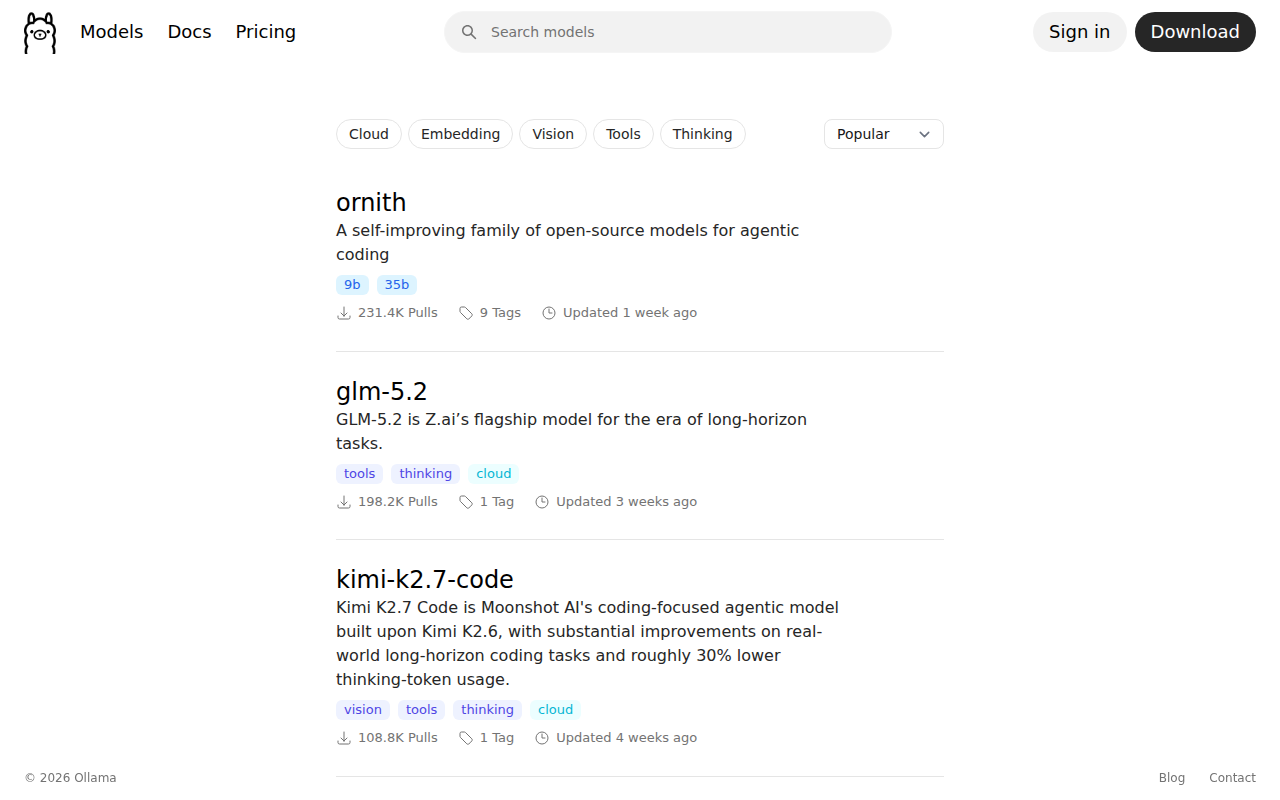
Download Your Models
Best all-around model for 16GB VRAM
ollama pull qwen3:27b

Best coding model for 16GB VRAM
ollama pull qwen2.5-coder:14b

Fast model for quick queries (8GB VRAM)
ollama pull qwen2.5:7b

Best creative writing model
ollama pull mistral-small:22b

Uncensored model (no content filtering)
ollama pull dolphin-mistral:7b
Qwen 3.6 27B is the star here. It’s genuinely comparable to GPT-4 for most tasks and better than GPT-3.5 for everything. On my RTX 4070 Ti Super, it generates about 35 tokens/second — faster than I can read. The 7B model generates 90+ tokens/second, which is instant.
Install Open WebUI (ChatGPT-Style Interface)
docker run -d -p 3000:8080 \
  -v open-webui:/app/backend/data \
  --name open-webui \
  ghcr.io/open-webui/open-webui:main
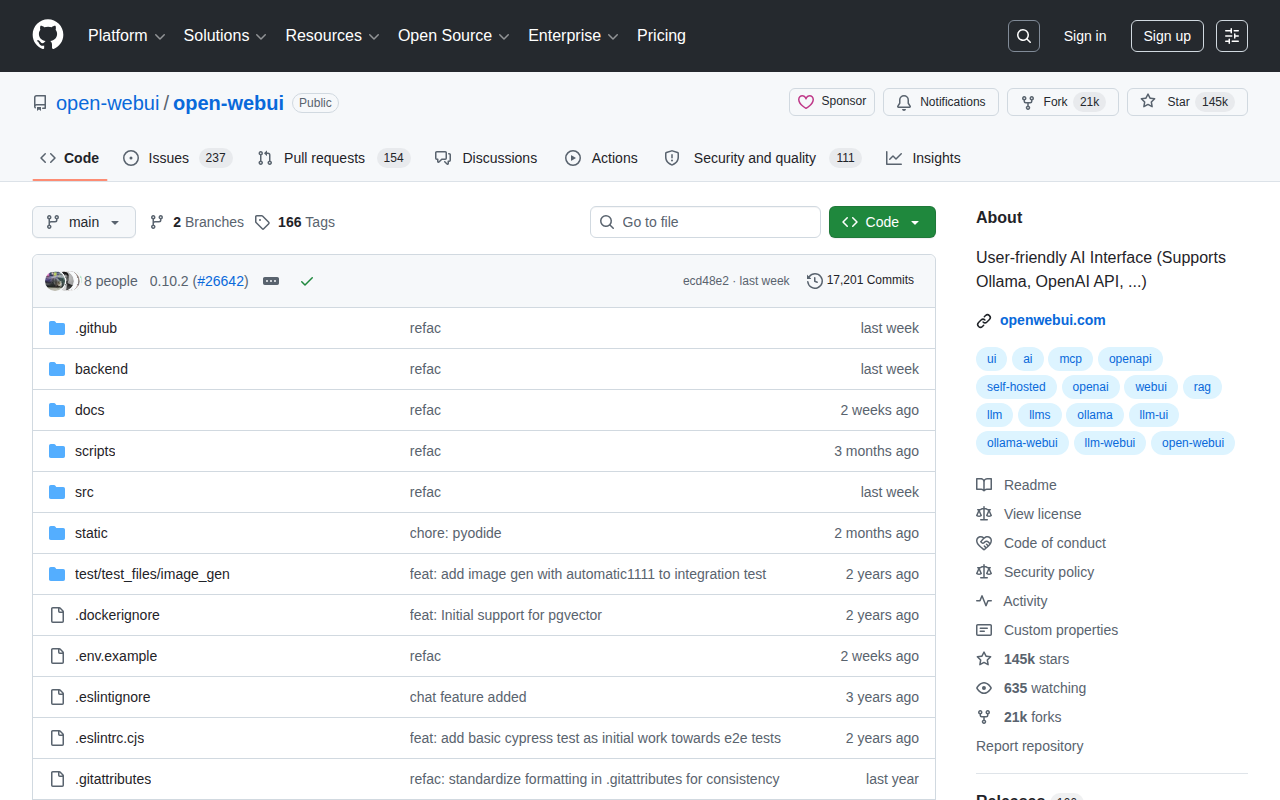
Open `http://localhost:3000`, point it at Ollama (http://localhost:11434), and you have a ChatGPT clone. It supports:
- Conversation history
- Multiple models (switch between them mid-conversation)
- File upload (PDFs, images, code)
- Custom system prompts
- RAG (upload documents and chat with them)
- Web search integration
The Real Performance Comparison
I spent a weekend running my typical AI tasks through both ChatGPT Plus and Qwen 3.6 27B. Here’s how they compared:
Writing tasks (emails, blog outlines, editing): Qwen was about 85% as good. It writes slightly more formally than ChatGPT, and the creative writing is less varied. For business writing, it’s indistinguishable. For creative writing (fiction, humor), ChatGPT has an edge.
Coding tasks (debug, explain, refactor): Qwen 3.6 27B was 90% as good. For Python and JavaScript, it’s excellent. For Rust and C++, it occasionally hallucinates APIs. Qwen 2.5 Coder 14B is specifically designed for code and sometimes outperforms the larger general model on programming tasks.
Research and analysis: Qwen was 80% as good. It tends to be less nuanced than Claude on complex topics and occasionally oversimplifies. For straightforward research questions (summarize this paper, explain this concept), it’s equivalent.
Math and logic: Qwen was 85% as good. It handles multi-step reasoning well but makes more arithmetic errors than ChatGPT. For coding math (algorithm implementation), it’s excellent.
The bottom line: For 80-90% of what I use AI for, the open-source alternative is good enough. For the remaining 10-20% (complex reasoning, creative writing, cutting-edge topics), the paid models still have an edge. But that edge is shrinking every month.
Step 2: Replace GitHub Copilot with Continue.dev
This one hurt the most because I genuinely love Copilot. But Continue.dev with a local model is closer than you’d expect.
Setup
1. Install the Continue extension in VS Code
2. Configure it to use Ollama:
{
  "models": [
    {
      "title": "Qwen Coder 14B",
      "provider": "ollama",
      "model": "qwen2.5-coder:14b"
    }
  ],
  "tabAutocompleteModel": {
    "title": "Qwen 7B (fast)",
    "provider": "ollama",
    "model": "qwen2.5:7b"
  }
}
The Experience
Code completion (Tab): Qwen 2.5 7B for autocomplete is fast (50-100ms latency when pre-loaded) and accurate for about 60% of suggestions. Copilot is closer to 80% accuracy. The difference is noticeable but not deal-breaking. I found myself accepting about 1 in 3 Continue suggestions vs 1 in 2 Copilot suggestions.
Chat: Qwen 2.5 Coder 14B in chat mode is excellent. “Explain this function,” “refactor this to use async/await,” “write tests for this class” — it handles all of these well. The responses are more verbose than Copilot Chat, sometimes overly so, but technically correct.
Inline editing: Continue’s inline editing (select code, Ctrl+I, describe the change) works well for simple refactors. For complex multi-file changes, Copilot’s workspace-aware editing is still better.
What I miss from Copilot:
- Context-aware suggestions across the entire project
- Better handling of framework-specific patterns (Next.js, Django, etc.)
- The “vibe” of Copilot’s suggestions feeling more natural
The bottom line: I saved $10/month and got about 70% of the Copilot experience. If you’re a professional developer billing $100+/hour, the productivity gain from Copilot is worth $10. If you’re a hobbyist or student, Continue + local model is more than enough.
Step 3: Replace Midjourney with Stable Diffusion + ComfyUI
This is where things get complicated. Midjourney’s “type a prompt, get a beautiful image” experience is genuinely hard to replicate. But you CAN replicate it — you just need to put in more work.
Setup
Option A: Automatic1111 WebUI (easier, more beginner-friendly)
git clone https://github.com/AUTOMATIC1111/stable-diffusion-webui
cd stable-diffusion-webui
./webui.sh
Option B: ComfyUI (more powerful, node-based workflow)
git clone https://github.com/comfyanonymous/ComfyUI
cd ComfyUI
pip install -r requirements.txt
python main.py
I recommend starting with Automatic1111 for the first week, then switching to ComfyUI once you understand the basics. ComfyUI’s node-based interface is intimidating at first but gives you dramatically more control.
Model Selection
Stable Diffusion 3.5 Large (8B parameters): The current state of the art for open-source image generation. On my RTX 4070 Ti Super, it generates a 1024×1024 image in about 8 seconds. Quality is comparable to Midjourney v6 — sometimes better, sometimes worse, depending on the prompt.
FLUX.1 (12B parameters): A newer model from Black Forest Labs that’s competitive with Midjourney for realism. It’s heavier (needs 24GB VRAM at full quality) but produces more photorealistic results than SD 3.5.
SDXL Turbo: If you want speed over quality, SDXL Turbo generates images in 1-2 seconds. Quality is closer to Midjourney v5, but for rapid iteration, the speed is worth the tradeoff.
The Prompt Engineering Difference
Midjourney understands natural language. “A cozy coffee shop on a rainy day, warm lighting, photorealistic” — it just works.
Stable Diffusion needs more structured prompts. The same image might require: “photorealistic interior of cozy coffee shop, rainy day visible through window, warm amber lighting, bokeh, depth of field, 8K, highly detailed, professional photography, Canon EOS R5, 35mm lens.”
This is the main friction point. You’ll spend more time crafting prompts in Stable Diffusion. But there’s a solution: use your local LLM to convert natural language to Stable Diffusion prompts. I have a Qwen 7B model with a system prompt that does exactly this, and it works about 80% of the time.
Features You Gain With Open Source
- Inpainting: Edit specific parts of an image with precision. Midjourney’s “Vary Region” is similar but less precise.
- ControlNet: Control the exact pose, depth, edges, and composition. Midjourney has nothing comparable.
- LoRA models: Fine-tune on specific styles, faces, or objects. Create a LoRA of your own face and put yourself in any image.
- Unlimited generations: No credits, no limits, no “fast hours.” Generate 1,000 images overnight if you want.
- Privacy: Your prompts and images never leave your computer.
The Bottom Line
I switched to Stable Diffusion for my blog post headers and social media graphics. It takes about 2x longer to get the right image compared to Midjourney, but I generate 5x more images because there’s no limit. For a professional designer billing $50+/hour, Midjourney’s time savings are worth $30/month. For everyone else, the open-source alternative is viable.
Step 4: Replace ElevenLabs with OpenVoice + Coqui TTS
This is the one that didn’t fully work. Voice cloning is the hardest AI problem to replicate with open-source tools, and the gap between ElevenLabs and the best open-source alternatives is still significant.
What I Tried
OpenVoice V2: The best open-source voice cloning tool. It can clone a voice from a 10-second sample and generate speech in multiple languages. The quality is about 70% of ElevenLabs — listenable, but you can tell it’s AI. For podcast intros and quick voiceovers, it’s usable. For professional narration, it’s not there yet.
Coqui TTS: More natural than OpenVoice for the built-in voices, but the voice cloning quality is lower. The “YourTTS” model can do zero-shot voice cloning, but the results are inconsistent — sometimes great, sometimes robotic.
Bark (Suno): Generates speech with emotional expression, including laughter, sighs, and singing. The quality varies wildly. When it works, it’s impressively human. When it doesn’t, it’s unusable.
The Real Verdict
I’m still paying for ElevenLabs ($5/month). The open-source voice cloning tools are improving fast — OpenVoice V2 is 2x better than V1 was a year ago — but they’re not production-ready yet. If you need AI voiceovers for professional content, the $5/month is worth it.
For casual use (voice notes, personal projects, testing), OpenVoice works fine. And if you only need TTS without voice cloning, Coqui TTS’s built-in voices are good enough.
Step 5: The Full Stack — What I Actually Kept
After 30 days, here’s my actual setup:
Kept (open source):
- LLM: Qwen 3.6 27B via Ollama + Open WebUI → replaced ChatGPT + Claude ($40/month saved)
- Code assistant: Continue.dev + Qwen 2.5 Coder 14B → replaced Copilot ($10/month saved)
- Image generation: Stable Diffusion 3.5 + ComfyUI → replaced Midjourney ($30/month saved)
Still paying for:
- ElevenLabs ($5/month) → open-source voice cloning isn’t good enough yet
Total savings: $75/month. That’s $900/year.
The Hidden Costs Nobody Talks About
Electricity: Running a GPU 4-6 hours a day for AI inference adds about $10-15/month to your electricity bill, depending on your local rates and GPU. My RTX 4070 Ti Super draws about 200W under load. At $0.12/kWh, 5 hours/day is about $3.60/month. Less than I expected.
Time: The open-source setup took me about 4 hours to get everything installed and configured. You’ll also spend more time troubleshooting (“why isn’t the model loading?”) than with paid services that “just work.”
Updates: Open-source models update frequently. Qwen releases new versions every 3-4 months, and upgrading means downloading 15-20GB of new model files. This is a minor inconvenience, not a real cost.
The “tinkering” trap: Having unlimited access to AI models can lead to spending more time experimenting than actually using them productively. I spent an entire Saturday comparing model quantization levels instead of writing. Set boundaries.
Is It Worth It?
Yes, if:
- You have a gaming PC or Mac with 16GB+ unified memory already
- You use AI heavily (3+ hours/day)
- You value privacy and want your data staying on your machine
- You enjoy the technical challenge of setting things up
No, if:
- You don’t have a GPU and would need to buy one just for this
- You use AI casually (less than an hour/day)
- You value convenience over cost savings
- You need cutting-edge performance for professional creative work
The hybrid approach (what I recommend): Run the 80% of your AI tasks locally with open-source tools. Keep one paid subscription (I kept Claude Pro) for the 20% of tasks where the paid model is genuinely better. This cuts your AI costs by 60-80% while giving you the best of both worlds.
At $1,020/year for the full paid stack vs. ~$200/year for the hybrid approach (one subscription + electricity), the savings are real. And open-source models improve every month. By this time next year, the gap might be zero.
[Image: openwebui-github.png – Open WebUI interface showing ChatGPT-like chat with local models]